Face search
Face finder: six tools, and what each one returns
You have a photo of a person and a question. The products sold as a face finder do not all answer the same one. Some find other public pages where a similar face appears. Some find copies of the picture itself. A name is a third question, and a photo does not settle it.
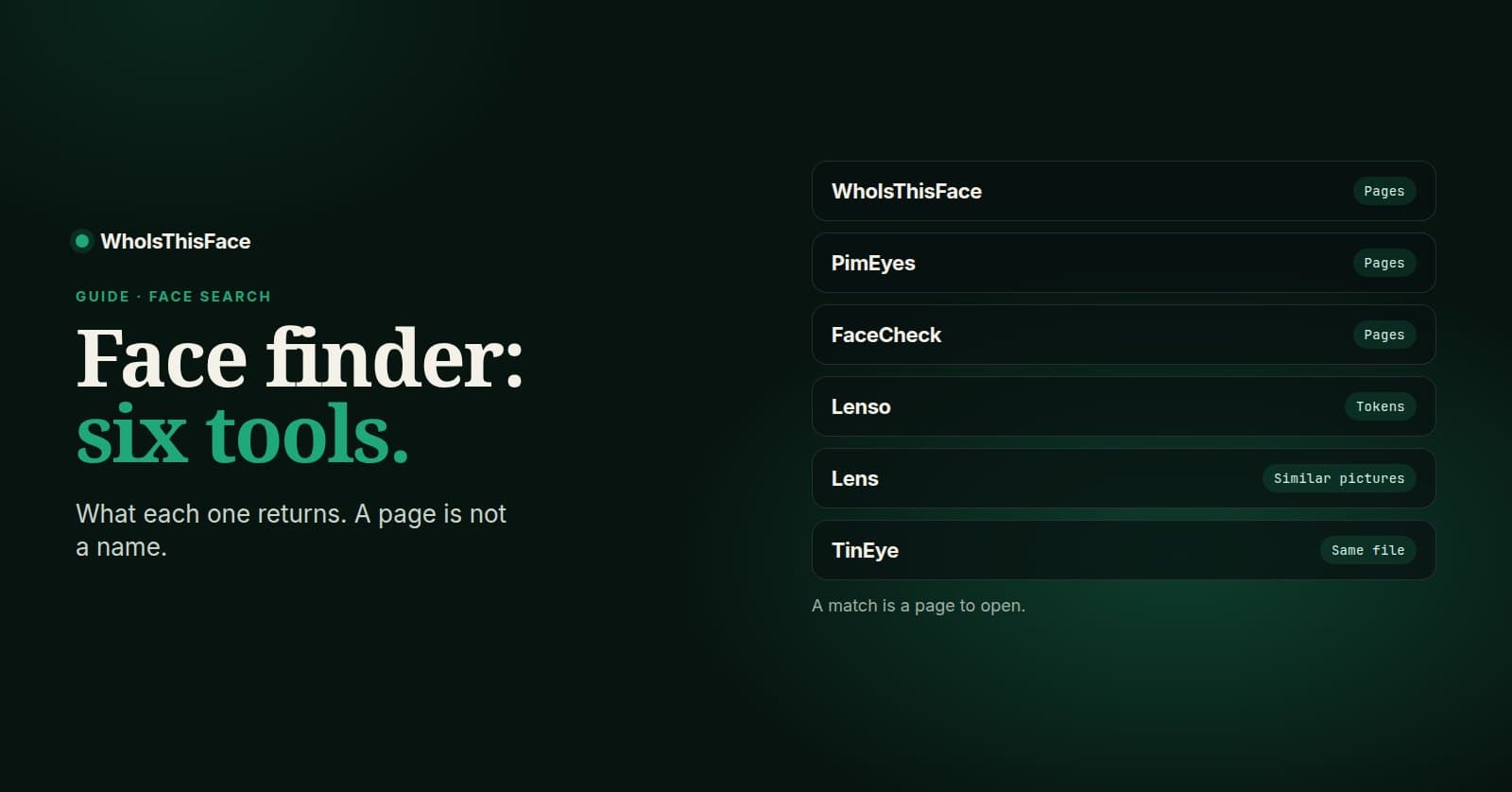
I kept this to six tools, and I left out the sites that promise a legal name, a home address, or a court record from a headshot. That is a different product. What a photo can support is a list of pages, or a list of copies of the file.
What each kind of tool returns
- A face search returns public pages where a similar face appears.
- A reverse image search returns copies of the file, including crops and edits.
- WhoIsThisFace is the one-time face search: a free preview, then $4.99 to open the pages.
- PimEyes is a face search on a subscription. FaceCheck.ID sells the same kind of search as credits.
- A match is a page to open. It is not proof of who someone is.
The six tools
| Tool | Returns | Price |
|---|---|---|
| WhoIsThisFace | Public pages with a similar face | $4.99 once |
| PimEyes | Public pages with a similar face | $29.99/mo |
| FaceCheck.ID | Face matches, sold as credits | $19 minimum |
| Lenso.ai | Faces, and copies of the file | Token packs |
| Google Lens | Visually similar pictures | Free |
| TinEye | Copies of this file | Free to search |
The PimEyes and FaceCheck.ID figures are the ones on our pricing page: their published minimums. Lenso.ai prices searches in tokens, so a single search has no flat dollar amount to put in the table.
1. WhoIsThisFace
Upload one photo. The free preview tells you how many matches came back and which domains they sit on. A one-time $4.99 unlock opens that result: the page URLs and the matched pictures. Twelve credits are $9.90 if you would rather keep a balance, and those credits do not expire. There is no monthly plan for the search itself.
The photo goes to Yandex, FaceCheck.ID, and Google Lens to run the search, and it is deleted from image hosting within 15 minutes. What comes back is a list of pages. It is not a name. The guide to reading a face search result is the order I use once the list is on screen.
2. PimEyes
PimEyes does the face-search job: other public pages where a similar face appears. The difference is the bill. The plan starts at $29.99 a month. That fits someone who searches every week. It is an odd purchase for one photo on a Thursday night.
The PimEyes alternative page goes through that trade. Coverage still differs by engine. For a check that matters, people run more than one, and the free preview here makes the second look cheap.
3. FaceCheck.ID
FaceCheck.ID is a face search sold as credits. The lowest pack on our pricing page is $19, and the checkout they are known for is crypto. Credits suit someone who already searches in volume. For one result, the pack is larger than the question.
The FaceCheck.ID alternative page is the longer version. Two indexes do not return the same pages. A miss on one is not a miss on the other.
4. Lenso.ai
Lenso.ai is a reverse-image platform that includes faces, places, and duplicate files. You pick a mode, and you spend tokens. That breadth helps if you live in the tool. It is extra machinery if all you have is one face and one question.
I am not quoting a pack price. Token math moves, and the Lenso alternative page is where that comparison sits. Use Lenso when you want the file and the face in one place. Use a face search when the face is the whole job.
5. Google Lens
Google Lens is free and already on most phones. Upload the picture and it looks for visually similar images across the web. For a public figure, that is often enough to land on a page that names them. For anyone else, the results are often lookalikes, a stock photo, or nothing useful.
Treat it as the first look, not the face search. It is also the right tool when the picture has no face at all. A product shot, a logo, or a room is a file. The guide to whose photo this is starts there.
6. TinEye
TinEye finds copies of this file: the same picture, a crop, a mirror, a recolour. It does not match a face across different photos. That is why it belongs on the list. If a dating photo is a stock image, or a seller's picture is another shop's picture, TinEye can show the copy while a face search is still the wrong question.
Sort for the oldest result if you want a trail. TinEye's own help says that date is when its crawler first found the file, not when the photo was published. It is a place to look, not a certificate of who posted it first.
The order I use
- The file. Google Lens, then TinEye. If the picture is a known stock photo or an older post, you can stop.
- The face. A face search, if there is a person in the frame. Crop to the face you mean. WhoIsThisFace uses the largest face and has no picker.
- The pages. Open them. Read the date, the site, and whether the face is actually the same person. A score is a reason to look, not a verdict.
Yandex is a third free index for the file, the same way the repost guide uses it. A copy one tool has not crawled can still be in another.
If the pages show your own face and you want the links gone from this search, the removal form is the route. It does not delete the photo from the site that hosts it. You still have to ask that site.
Questions people ask
Can a face finder tell me the person's name?
No. The tools on this list return pages or copies of a picture. A page can carry a name, and it can carry the wrong one. You still have to open it and read it.
Is Google Lens a face search?
No. Google Lens looks for visually similar pictures and for copies of the file. It does not keep a face index the way a face search does, and a lookalike is a common result.
Which of these can I try without paying?
Google Lens and TinEye are free to search. A WhoIsThisFace search is free through the preview, which shows how many matches came back and which domains they sit on. You pay $4.99 only if you want that result's pages opened.
Will the person I search be told?
Not by WhoIsThisFace. The search does not notify them. The same is not a promise about every other product on this list. Read the one you use.
What if the photo is old, small, or turned away?
You can still run it. A clear, front-facing face gives a search more to match. A blur, a hard angle, or sunglasses gives it less, and the list of pages gets shorter or noisier.
Written by Nikola Marković. Checked against the live site on October 25, 2026.