Reposts
Whose photo is this? Checking reposts of product shots and team photos
A product photo is a file, not a face. If a shop's pictures look too good, or a competitor's listing looks like yours, the right tools are the ones that look for copies of an image. A face search comes in only when there are people in the picture, and then it answers a different question.
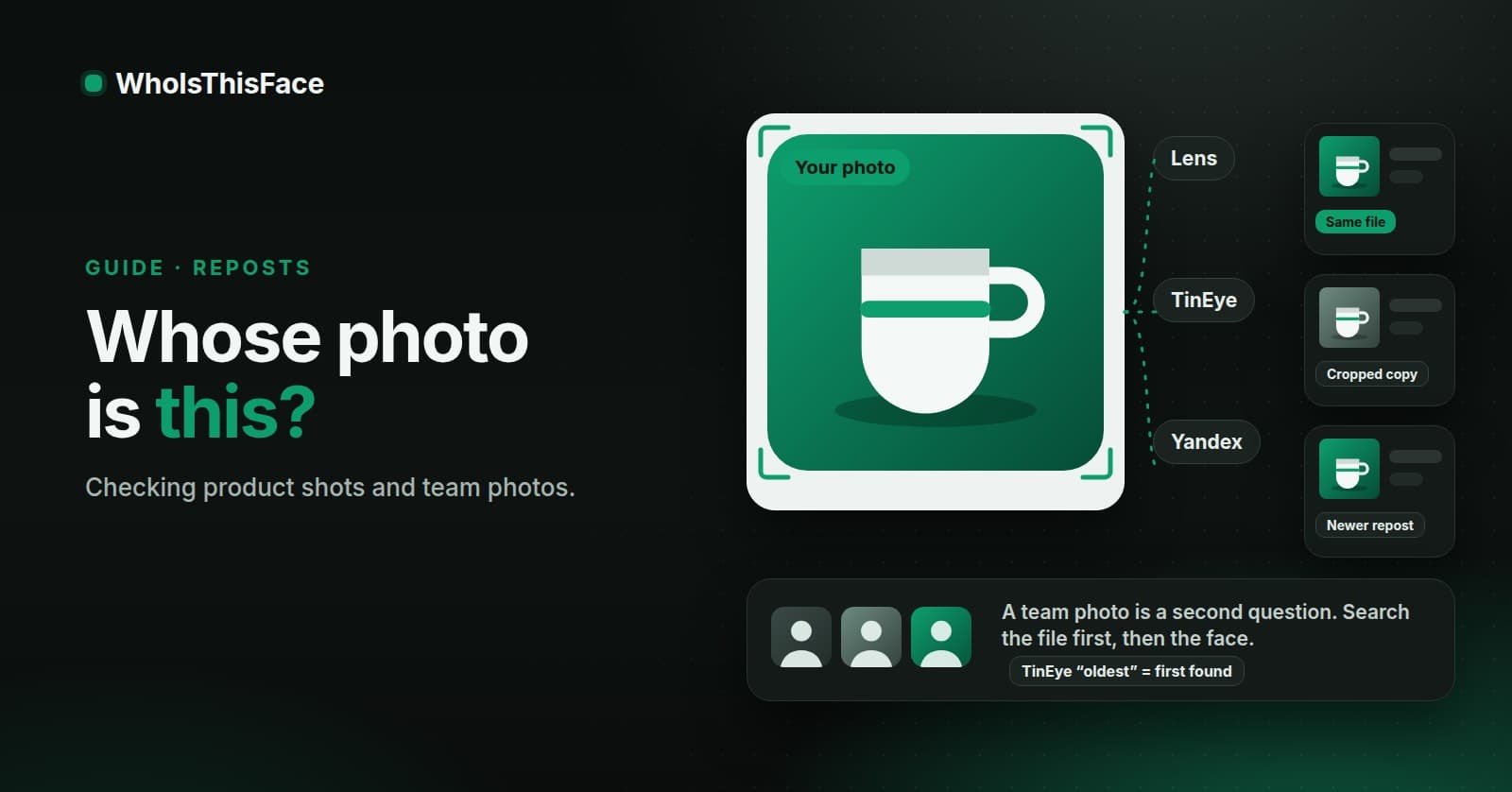
There are two people who ask this question. One is a buyer looking at a listing and wondering if the photos belong to the seller. The other is an owner who found their own photos on a shop they do not run. The steps are close to the same. What differs is what you can do with the answer.
Why this is worth a few minutes
The FTC's data spotlight of April 27, 2026 says shopping scams were the most reported scam on social media in 2025. More than 40% of the people who lost money to a scam on social media said it started when they ordered something they had seen in an ad. Most said the goods never arrived, and others got counterfeits. A borrowed product photo is not proof of a scam, and an original one is not proof of an honest shop. But the picture is a thing you can check for free, and the FTC's own advice before buying from an ad is to look the company up online.
Search the file with three free tools
- Google Lens. Upload or paste the image and look for the same product on pages that are not the listing.
- TinEye. It lists copies it has crawled and can sort for the oldest one.
- Yandex. A third index, so a copy one tool has not crawled may still turn up in another.
A face search is the wrong tool for a mug, a jacket, or a house. It matches faces, and a product photo does not have one.
Read what you find, not just whether you find something
If the same photo appears on a manufacturer's page and on many shops, the seller may be using the supplier's picture, which is normal for resellers. If it appears first on one small shop's page and on a listing that has no history, the question is sharper. And if you see a crop, a mirror, or a colour change of the same picture, the copier edited it.
Be careful with the date. TinEye's help page says that its “first found” date is when its crawler first found the file, not when it was published. The oldest copy TinEye lists is a clue about where to look, not a certificate of who owns the picture.
When there are people in the picture
A team photo, a founder portrait, or a seller's selfie is a second question. If it is your own face, a WhoIsThisFace search shows public pages that may show it. The search uses the largest face in the photo, with no picker, so crop to the face you mean. The terms allow searching your own face and checking a buyer or seller you have a legitimate reason to check. I would not upload a colleague's photo without asking them, and the footer says to upload only images you have the right to share.
The photo goes to Yandex, FaceCheck.ID, and Google Lens to run the search, and it is deleted from image hosting within 15 minutes. What comes back is a list of pages. It is not a name.
If the photos are yours
Write down each URL and the date you saw it. Send the site a message with the link to your original. If you hold the copyright, the DMCA page on this site takes a notice about our search results, where it removes the links. It says plainly that to remove the photo from the internet you also need to contact the site that hosts it. If the photo shows your face and you are not the copyright owner, the removal form is the simpler route. The guide to which form fixes which problem goes through them.
Questions people ask
Can a face search tell me if a product photo is stolen?
No. A product photo has no face to match. Use Google Lens, TinEye, or Yandex, which look for copies of the file. A face search is for the people in a picture.
Does TinEye's oldest result show who took the photo first?
No. TinEye says its first found date is when its crawler first found the file, not when it was published. A photo can sit offline for years before anyone indexes it.
Will a DMCA notice to WhoIsThisFace remove my photo from a shop's site?
No. WhoIsThisFace is a search tool that links to pages on other sites. A notice removes the links from our results. To get the photo off the internet, contact the site that hosts it too.
Written by Nikola Marković. Checked against the live site on October 19, 2026.